


TAS Commitment
Payment methods
Your payment information is processed securely. We do not store credit card details nor have access to your credit card information.
Security

Product Snapshot
Description
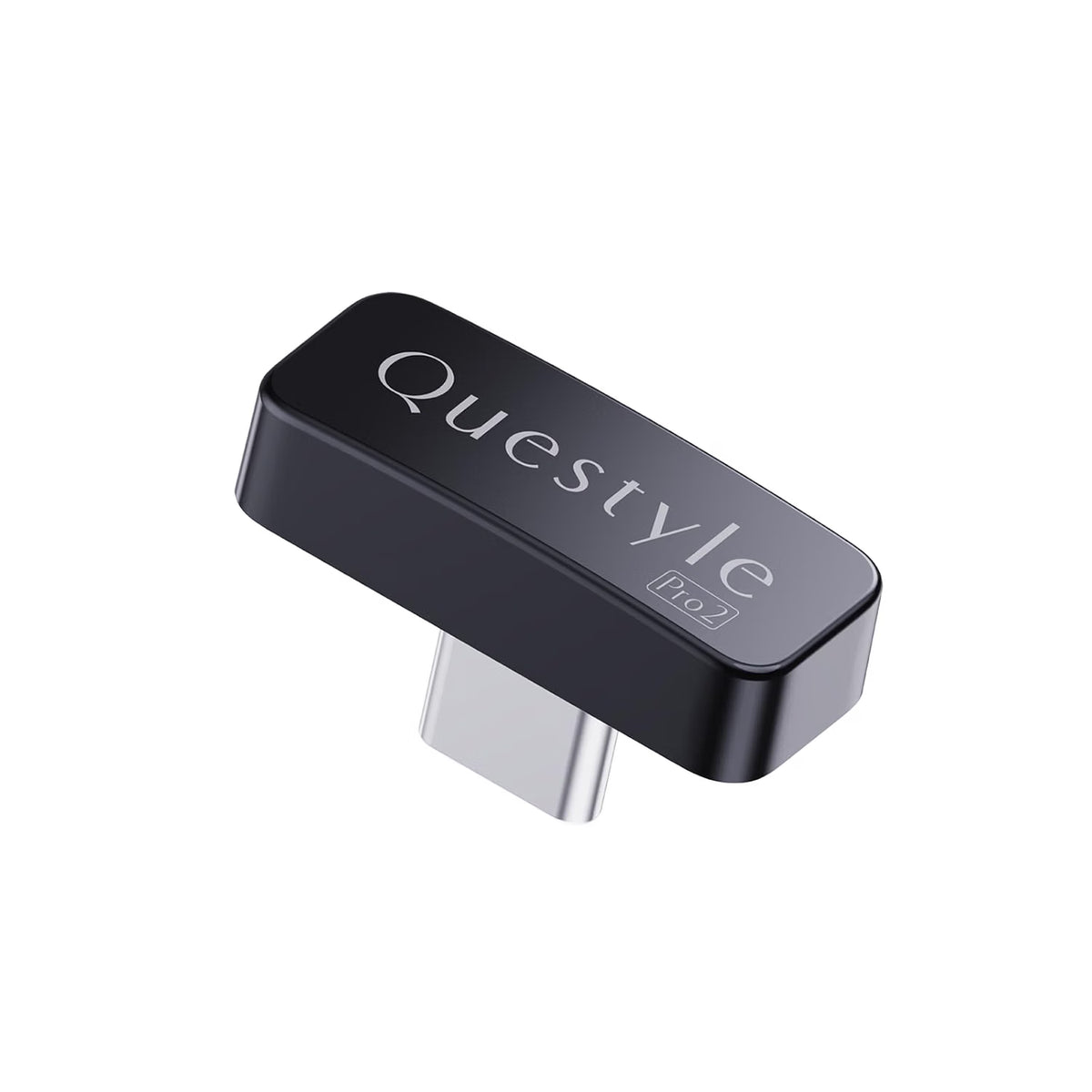
Questyle QCC Dongle Pro2 MFi Certified Bluetooth Transmitter
Upgrade your wired devices with high-quality wireless audio using the Questyle QCC Dongle Pro2. This MFi-certified USB-C Bluetooth transmitter adapter connects your iPhone, iPad, Mac, Windows PC, PS5, Nintendo Switch and other compatible devices to Bluetooth headphones, IEMs and speakers.
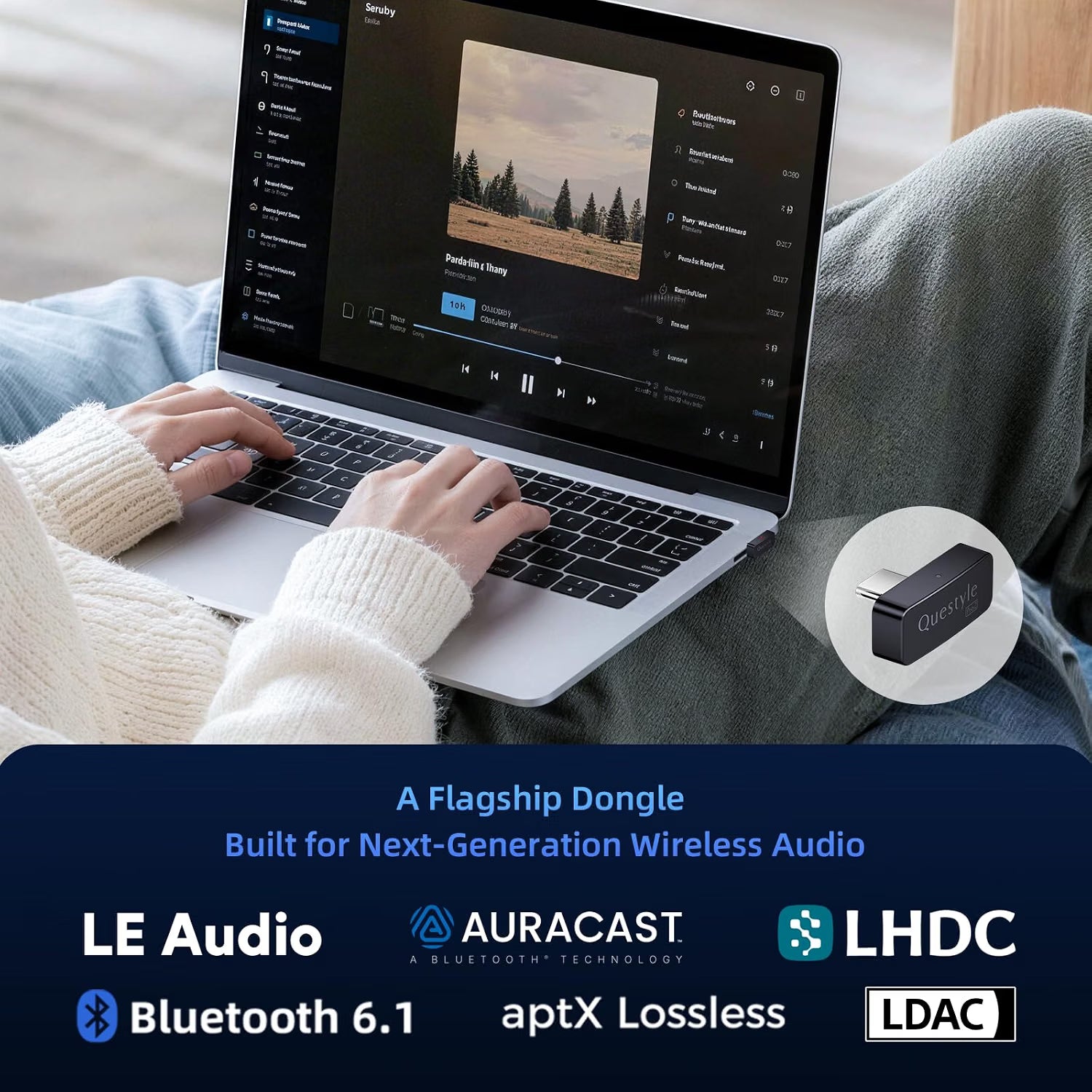
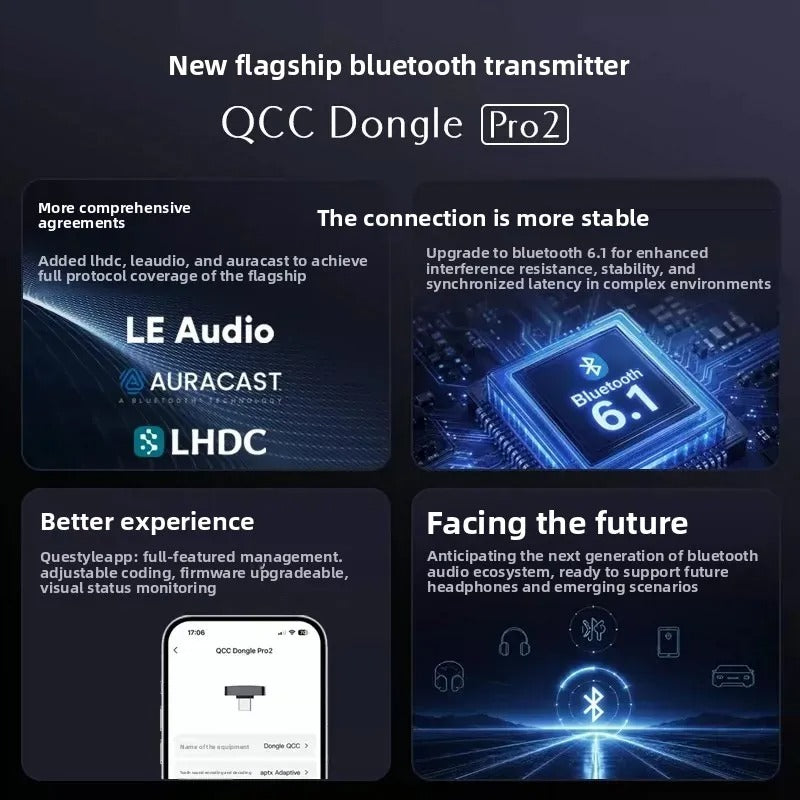
With Bluetooth 6.1, support for premium codecs including LDAC, LHDC, aptX Adaptive, aptX HD and LE Audio, plus Auracast broadcast audio, the QCC Dongle Pro2 is designed for music, movies, gaming and everyday wireless listening.
Its companion Questyle App lets you pair devices, manage connections, update firmware and adjust supported Bluetooth codec settings for a more personalised listening experience.
Why Choose the Questyle QCC Dongle Pro2?
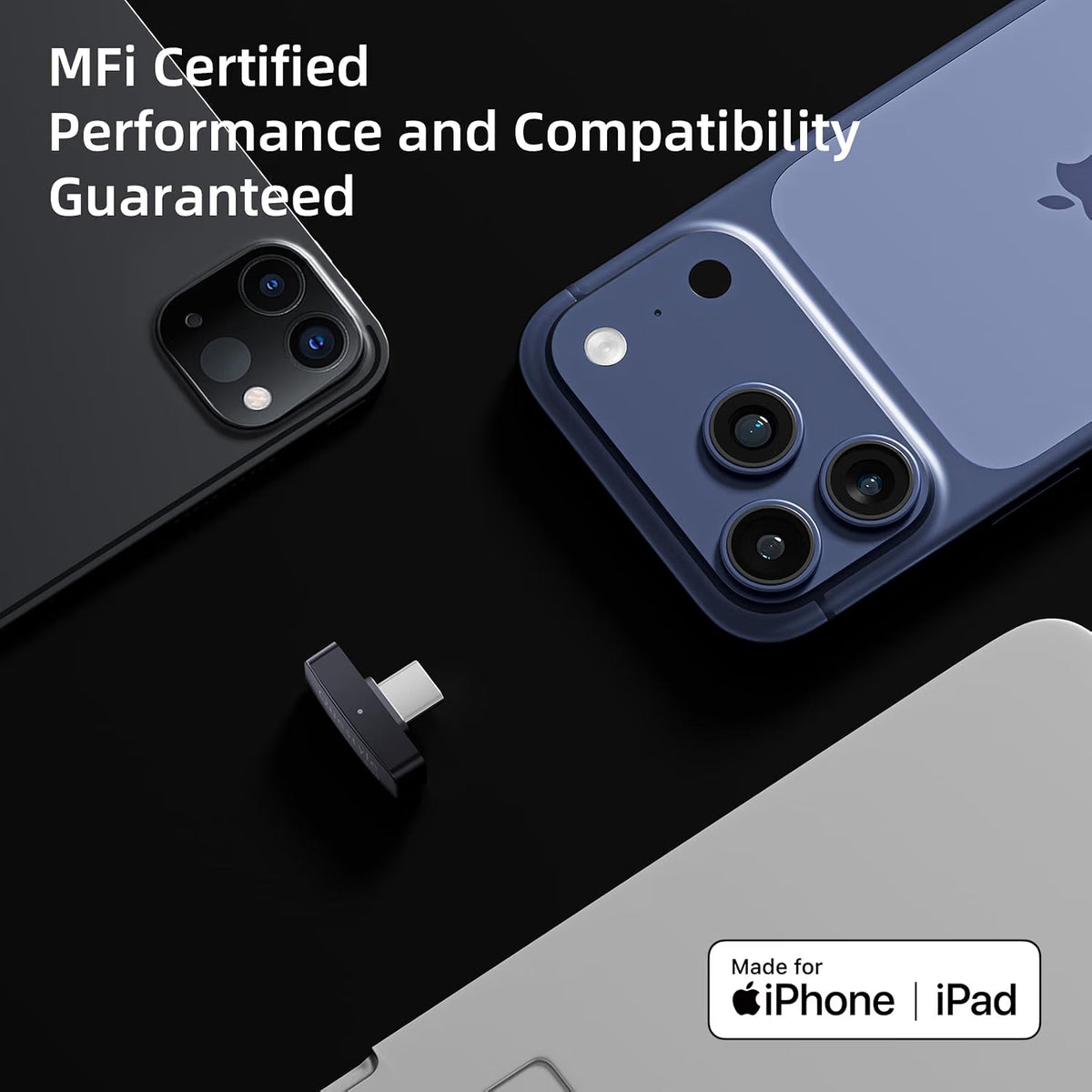
- MFi Certified: Designed for reliable USB-C compatibility with iPhone and iPad.
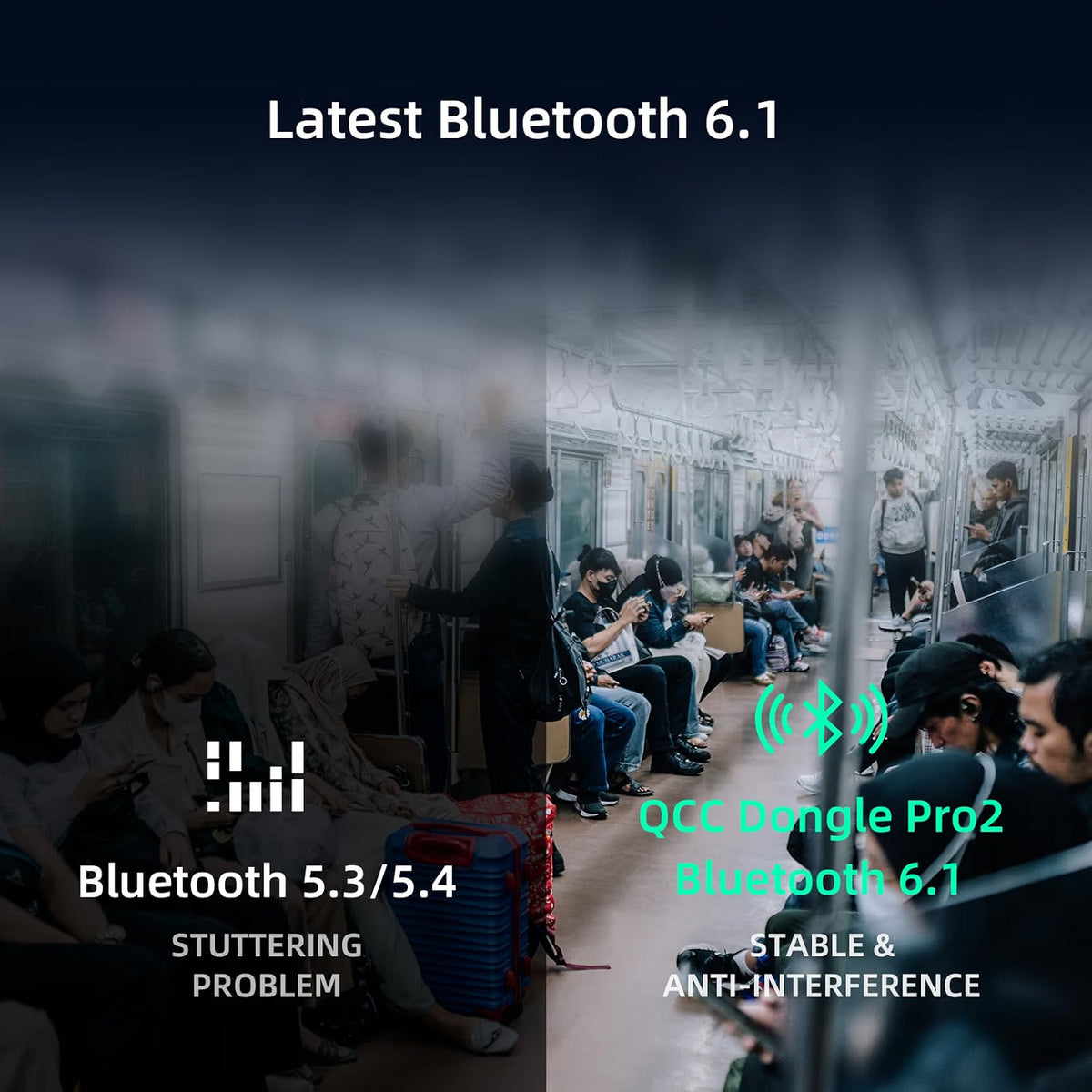
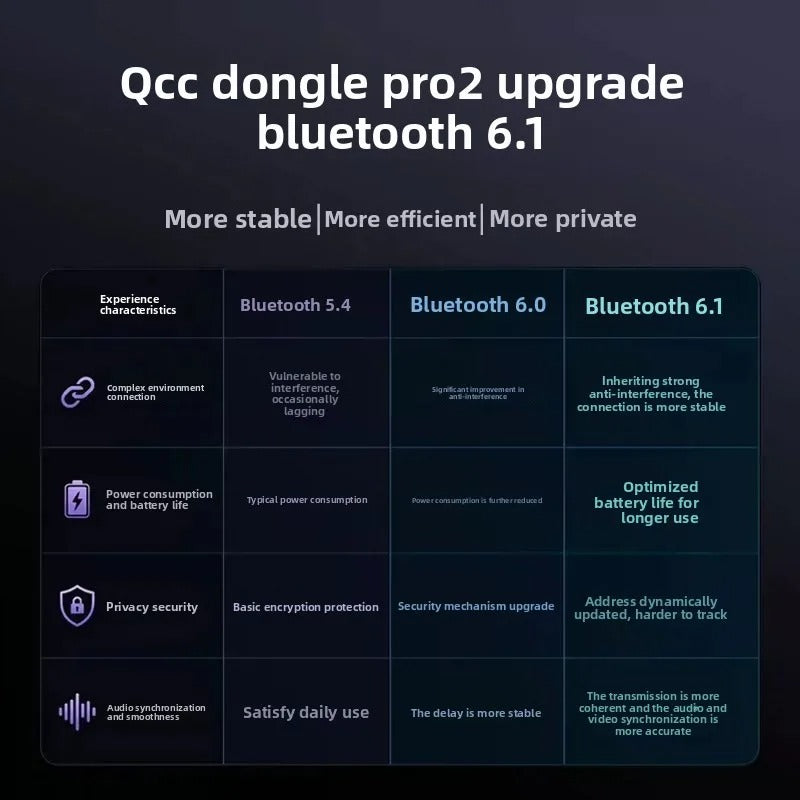
- Bluetooth 6.1: Improved wireless stability, efficiency and connection performance.
- Premium Bluetooth Codecs: Supports LDAC, LHDC, aptX Adaptive, aptX HD, aptX and SBC.
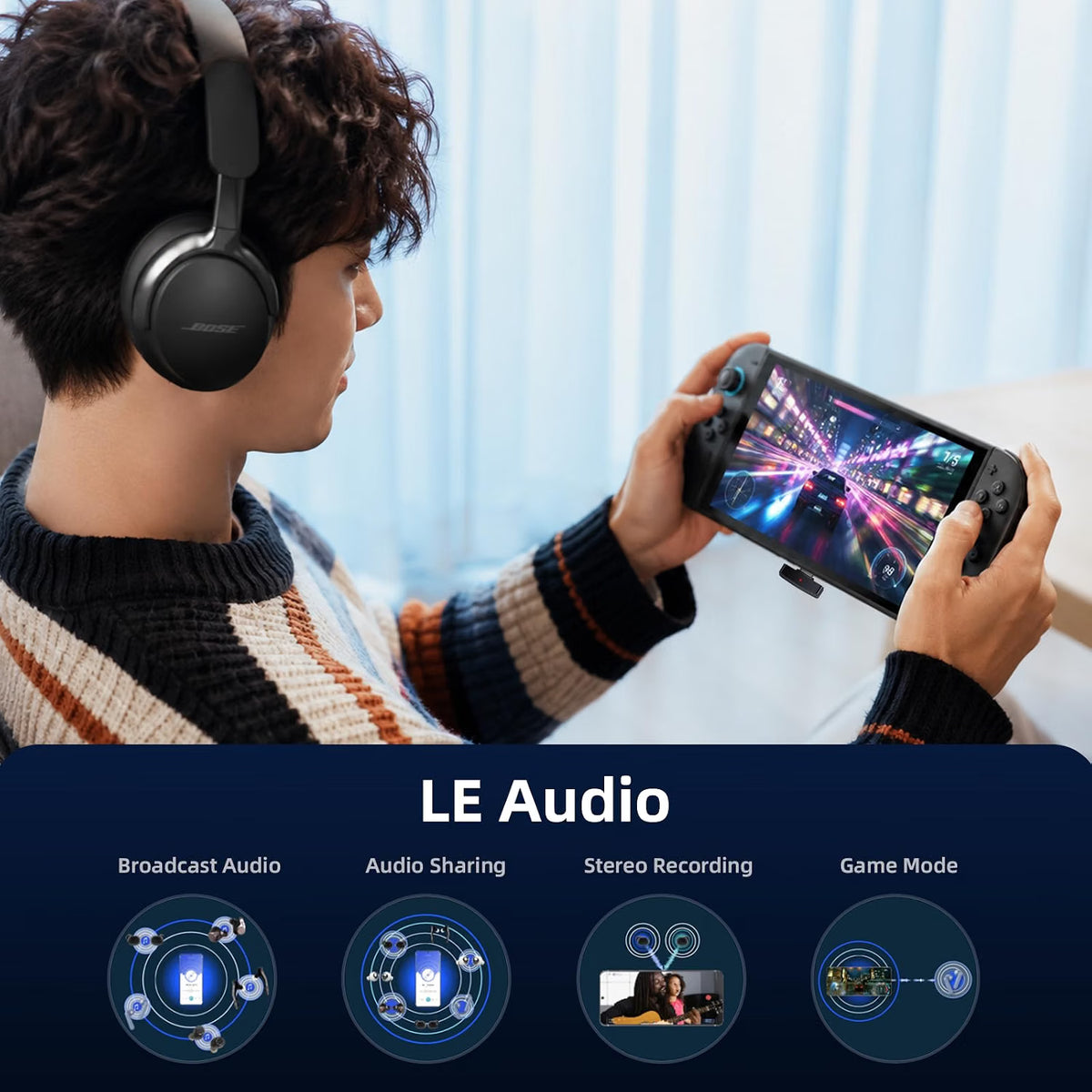
- LE Audio Support: Enables next-generation Bluetooth audio features on compatible devices.
- Low-Latency Gaming: aptX Adaptive and compatible LE Audio modes can reduce wireless audio delay.
- Auracast Ready: Supports one-to-many Bluetooth audio broadcasting with compatible receivers.
- Wide Device Compatibility: Works with compatible iOS, Android, Windows and macOS devices.
- Console Support: Can be used with PS5 and Nintendo Switch through their USB-C ports.
- Questyle App: Pair devices, manage settings, update firmware and configure supported codecs.
- LED Status Indicators: Easily check the dongle's operating and connection status.
Premium Wireless Audio with Multiple Bluetooth Codecs
The Questyle QCC Dongle Pro2 supports a wide range of Bluetooth audio codecs, allowing it to work with different Bluetooth headphones, IEMs and speakers.
Supported codecs include:
- LDAC
- LHDC
- aptX Adaptive
- aptX HD
- aptX
- SBC
- LE Audio
The dongle can select the appropriate supported audio standard depending on the connected equipment, helping provide a stable and high-quality wireless connection.
Whether you're streaming music, watching movies, gaming or using wireless headphones with a computer, the QCC Dongle Pro2 is designed to deliver detailed and reliable wireless audio.
Important: The receiving headphones, IEMs or speakers must support the same Bluetooth codec or standard to use that codec's specific capabilities.
Bluetooth 6.1 for a More Reliable Wireless Connection
Built around Bluetooth 6.1, the QCC Dongle Pro2 is designed for improved connection stability, lower latency and better power efficiency.
It helps maintain a dependable connection even in environments where multiple wireless devices may cause interference. For everyday listening, gaming and video playback, this means fewer unwanted dropouts and a more consistent wireless audio experience.
Low-Latency Wireless Audio for Gaming
Wireless gaming doesn't have to mean noticeable audio delay.
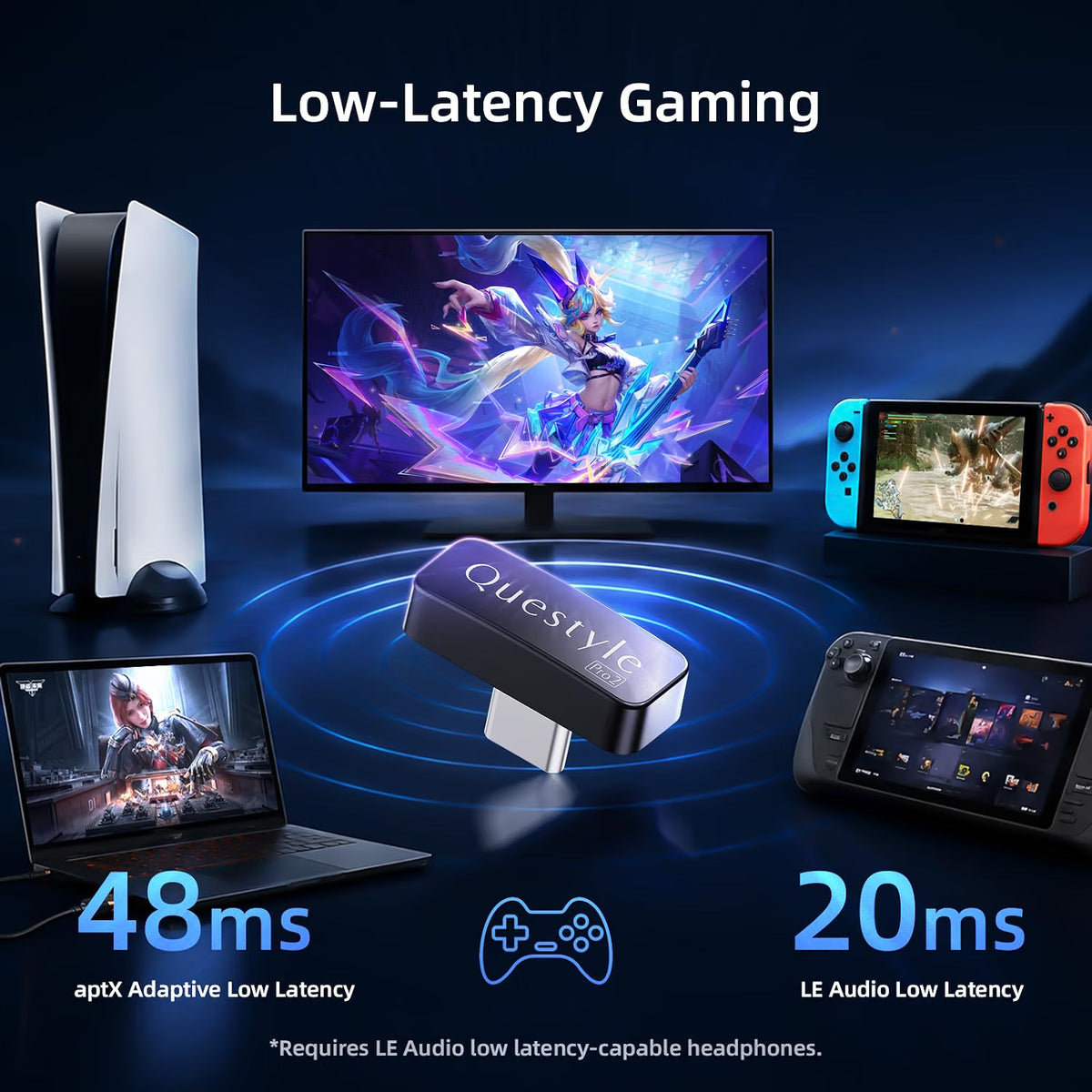
The QCC Dongle Pro2 supports aptX Adaptive, which can provide lower-latency audio when paired with compatible headphones. This helps bring wireless gaming audio closer to the responsiveness of a wired setup.
The dongle also supports LE Audio, including low-latency capabilities on compatible devices, as well as high-quality voice uplink for supported gaming and communication setups.
For the lowest-latency experience:
Your headphones or IEMs must support the relevant technology, including aptX Adaptive on compatible Qualcomm Gen 2 Sound Platform devices. LE Audio low-latency performance also requires a compatible LE Audio receiver.
Note: Actual latency depends on the transmitter, receiving device, codec, software and application.
Auracast: Share Audio with Multiple Devices
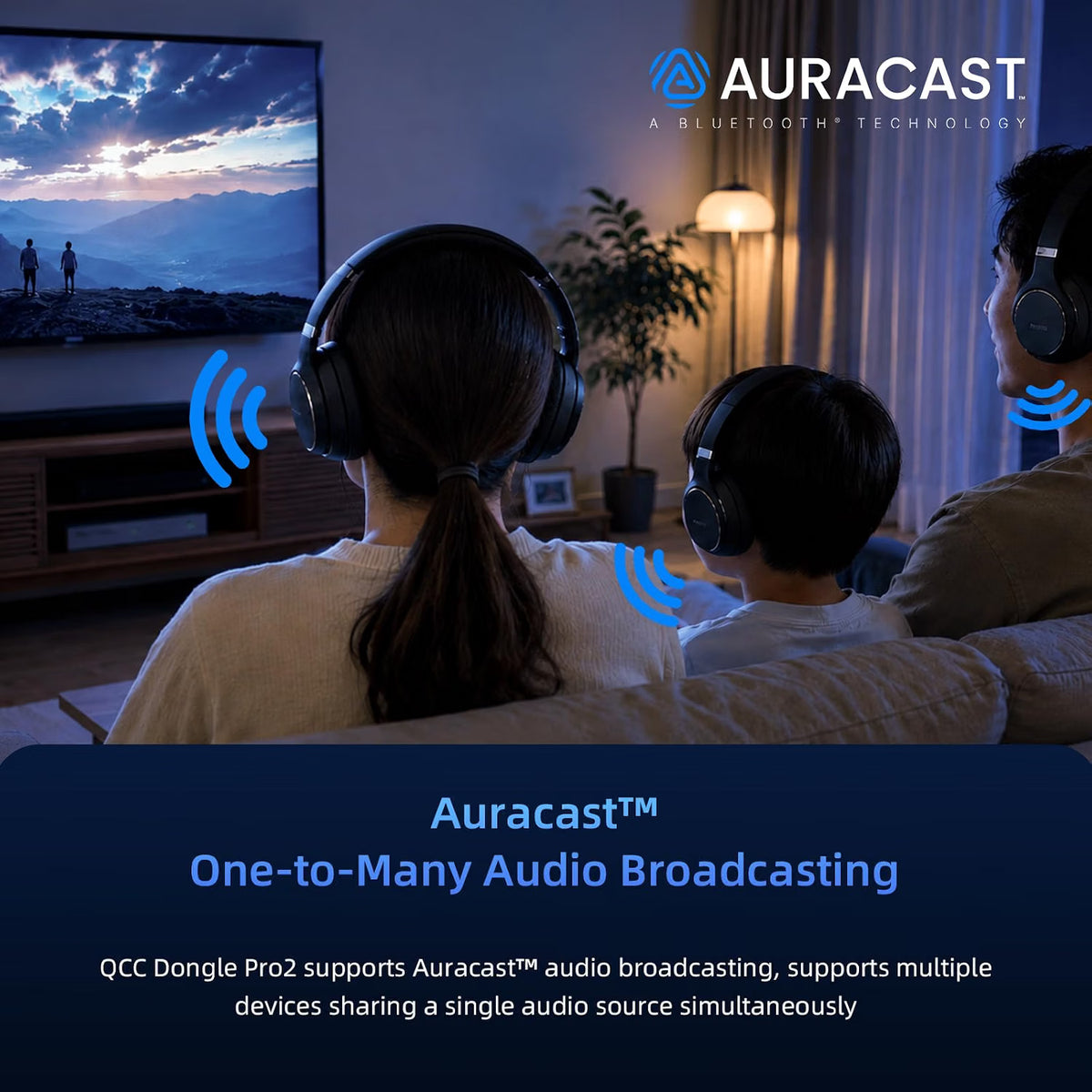
The Questyle QCC Dongle Pro2 supports Auracast, the next-generation Bluetooth audio broadcasting technology.
Instead of traditional one-to-one Bluetooth transmission, Auracast can enable one-to-many audio sharing when compatible receiving devices are used.
This makes it useful for:
- 🎬 Watching movies together
- 🎵 Sharing music with multiple listeners
- ✈️ Travelling
- 👨👩👧 Family entertainment
- 🎮 Sharing gaming or other audio content
Important: Auracast requires compatible transmitting and receiving devices. The headphones, IEMs or speakers receiving the broadcast must support Auracast reception.
MFi Certified for iPhone & iPad
The QCC Dongle Pro2 is officially Apple MFi certified, providing reliable integration with compatible Apple devices through USB-C.
This makes it a convenient choice for users who want to connect Bluetooth headphones, IEMs or speakers to an iPhone or iPad while maintaining a simple plug-and-play connection.
MFi certification also means the accessory has been designed to meet Apple's requirements for device integration and power management.
Wide Compatibility Across Phones, Computers & Consoles
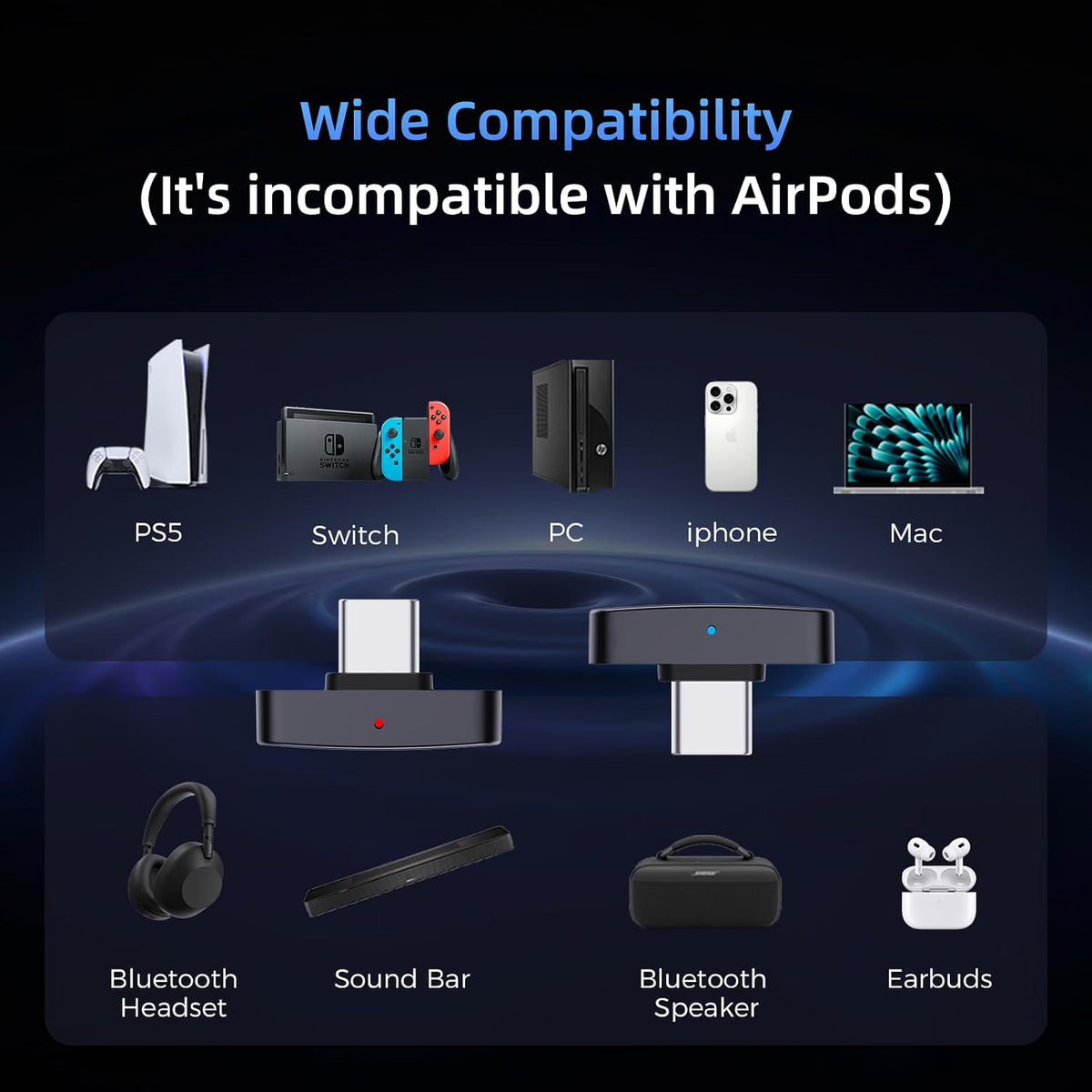
The QCC Dongle Pro2 is designed to work across a wide range of devices.
Smartphones & Tablets
Compatible with:
- iPhone and iPad with USB-C
- Android 5.1 and later
Windows & Mac
The dongle supports:
- Windows 10 version 1803 and later
- macOS
No additional computer driver is required for supported Windows and macOS systems.
Gaming Consoles
The QCC Dongle Pro2 can also be used with compatible:
- PlayStation 5
- Nintendo Switch
For console use, pair the dongle with your Bluetooth headphones or speaker through the Questyle App before connecting it to the console.
Questyle App for Easy Setup & Customisation
The Questyle App gives you additional control over the QCC Dongle Pro2.
Through the app, you can:
- Pair the dongle with your Bluetooth headphones or speaker
- Manage Bluetooth connections
- Adjust supported Bluetooth codec settings
- Perform one-click firmware updates
- Configure the dongle according to your listening needs
Important Setup Requirement
For Windows, MacBook, iPad and gaming consoles, Questyle recommends pairing the QCC Dongle Pro2 with your target Bluetooth audio device through the Questyle App first.
After pairing:
- Connect the QCC Dongle Pro2 to the device using USB-C.
- Allow the device to recognise the dongle.
- Select the dongle as the audio output where required.
- Start enjoying wireless audio through your compatible Bluetooth headphones, IEMs or speaker.
For PS5 and Nintendo Switch, complete the Bluetooth pairing through the Questyle App on your phone before plugging the dongle into the console's USB-C port.
LED Indicators for Easy Status Monitoring
Built-in LED indicators show the dongle's operating status, making it easier to understand its current connection and working mode at a glance.
The LED behaviour corresponds to the dongle's operating status and Bluetooth audio mode.
What Can You Use the QCC Dongle Pro2 For?
The QCC Dongle Pro2 is particularly useful if you want to add high-quality Bluetooth audio transmission to a device that doesn't natively support the Bluetooth headphones or codec you want to use.
🎵 Music Streaming
Connect your computer, tablet or other USB-C source to compatible Bluetooth headphones or IEMs and take advantage of supported high-resolution codecs such as LDAC.
🎬 Movies & Entertainment
Enjoy wireless audio from compatible computers and mobile devices without being restricted by conventional wired headphone connections.
🎮 Gaming
Use aptX Adaptive or compatible LE Audio technologies for a potentially lower-latency wireless gaming experience.
💻 PC & Mac
Add advanced Bluetooth audio transmission to compatible Windows and macOS computers without installing additional drivers.
📱 iPhone & iPad
Use the MFi-certified USB-C transmitter with compatible Apple devices.
📡 Auracast Audio Sharing
Broadcast compatible audio to multiple Auracast-enabled receiving devices.
Important Compatibility Notes
Before purchasing the Questyle QCC Dongle Pro2, keep these points in mind:
- Bluetooth codec support depends on both devices. Your headphones/IEMs/speaker must support the same codec to use it.
- Low-latency performance depends on compatible hardware. aptX Adaptive requires compatible receiving devices.
- LE Audio low latency requires LE Audio-compatible receiving equipment.
- Auracast requires compatible transmitter and receiver devices.
- Use the Questyle App for initial pairing and configuration where required.
- For Windows, MacBook, iPad, PS5 and Nintendo Switch, pair the dongle with your desired Bluetooth audio device using the Questyle App before connecting it to the target device.
- If the dongle does not recognise your device, contact The Audio Store support team for assistance.
You May Also Like
Recently Viewed
Trusted By Over 90,000+ Music Enthusiasts
Let customers speak for us
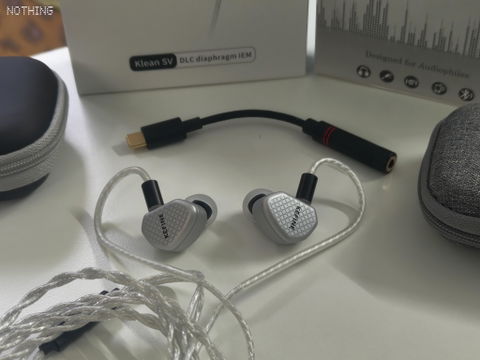
I am very satisfied with the purchase from The audio Store. I wanted a balanced sound IEM as I listen to all type of music. I am coming from a TWS community where I use Nothing ear 2024 ,earlier used oppo enco ear 2 pro and oppo enco M31.
Sound Signature :
I found the sound of this IEM is very clean with good instrument separation and good sound stage. If I talk about the base , deep base rumble is present but don't expect Good punch , Kick drum and guitar base sounds excellent. Both male and female voice feels heavenly to my ear. I am little treble sensitive so I found little uncomfortable when it comes to high frequency.
Pros :
1. Build Quality is superb
2. Very comfortable to wear for long listening.
3. It sounds excellent in my opinion
4. We get 3 different nozzle filter for different sound Signature. And it actually works but don't expect huge difference.
Cons :
1. It has little 'hishis' sound in the high frequency, not sure if it is coming because of the dac I am using (audiocular beam) .
Comparison :
If I compare with my Nothing Ear 2024, I will say it better than Nothing Ear in terms of sound quality and instrument seperation and I prefer bass in my Nothing Ear 2024 .
Final Conclusion : It stands with the expectation.
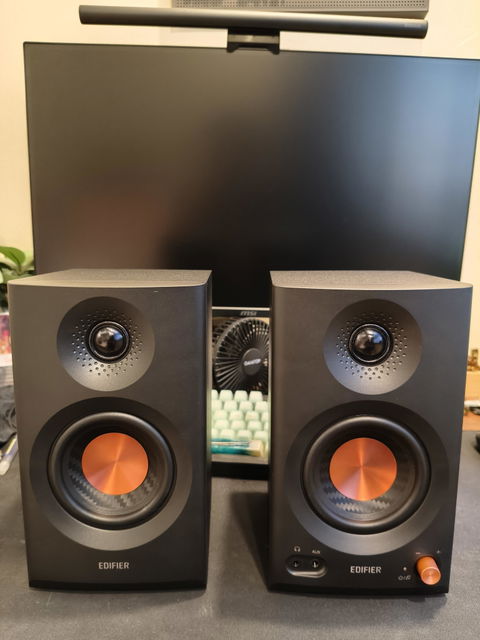
Absolutely amazing speakers, very good sound quality and build. Received in proper packaging the very next day after placing order. Very good service by TAS.
The DAC produces excellent sound quality (tight lows, clear mids and crystal clear highs) from both my android phone and windows laptop, using any IEMs or larger studio grade headphones. The online shopping experience from The Audio store was also great. Product was received within the scheduled delivery time in good packaging. Thanks.
The bass is so powerful, it feels like listening to a mini subwoofer! Really enjoyable sound and great value for the price.
Using it with Fir audio kr5 and now I'm not getting crackling sound i was getting with cayin ru7, very happy with this amp dac.
Good Product, relaxes muscles and relieves tension effectively. It is compact, easy to use, and highly recommended for quick pain relief.
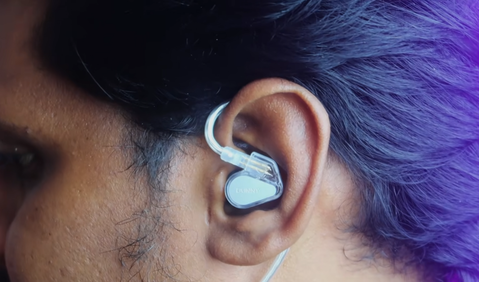
The TANCHJIM Bunny Type-C DSP Plug with Mic IEM offers clear sound quality, good detail, and a comfortable fit. The USB-C connection is convenient, and the microphone is useful for calls and everyday gaming. The audio is enjoyable for music and helps with hearing footsteps and in-game details in Valorant. Overall, it’s a good choice for someone looking for a compact, wired IEM with a built-in microphone and a Type-C connection.
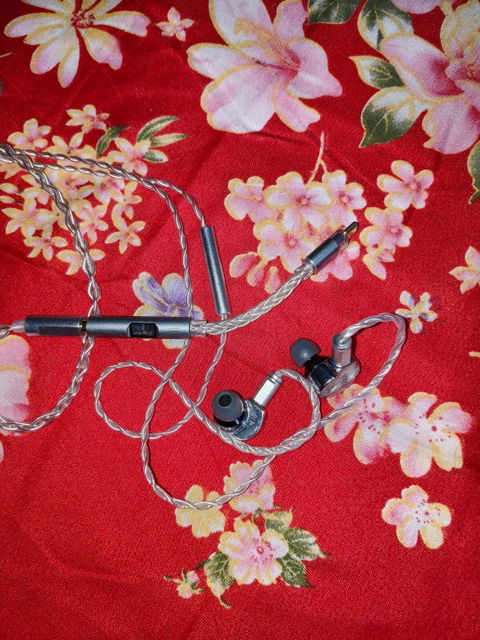
I have been using these for about 12 days, and that is 3.5mm with mic.
Look and feel:
In this price range this is the best looking iem with premium silver plated cable and unibody metal housing.
Build:
I don’t have any issue with build here cause as I have already told that earbuds itself has metal housing and also even 3.5mm jack is metal.
Cable looks fine to me, and i don’t Think that the cable will go anywhere for at-least 2 years.
The only thing is that the cable tangles a lot and it is evident by looking at the type of the cable.
SOUND:
I will not waste your time with the things you already know anymore…
Sound here is quite spacious with good soundstage. Since i myself is not a gamer i can’t tell about gaming but in music department sound is crystal clear and detailed with sharp highs and it lacks the thumpy base that some of you won’t like.
Now the thing is i have mixed opinion about these iems.
Sometimes i like it and sometimes I don’t…cause it lacks punchy base but has sparky treble that can irritate your ears if you pair them with a dac that is already focused on treble like audiocular spark.
But when i pair them in ipad 3.5mm jack these sounds better with great details and base.
After searching heavily on internet I found that this one should be better paired with AUDIOCULAR NOTE-S, since NOTE-S has hardware level EQ, i can tone down the sharp treble a bit and increase the low end slightly to get more base with the help of audiocular app.
So imo if you have these iem then pair them with audiocular NOTE-S and that is highly recommended from my side.
Thankyou.
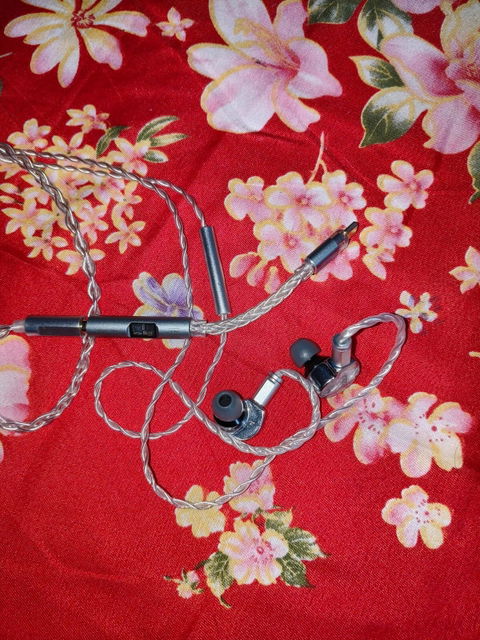
It is one of the best budget dac if you want sparky and clean treble, though it does not have any kind of equaliser cause it is just normal plug and play type dac.
If your earphones lack in treble section then go for it.
But if your earphone have high treble already then believe me you will not like these.
I have cca pheonix that is already a treble heavy iem and after pairing them with spark it is producing even more treble, and that is very sharp.
So in my opinion go for audiocular NOTE or NOTE-S, cause Note-S has hardware level equaliser that decreases the treble frequency.
I have Soundcore Q20i headphones and spark works great with them cause it add those extra sparky treble that Q20i lacks, and base is also good.
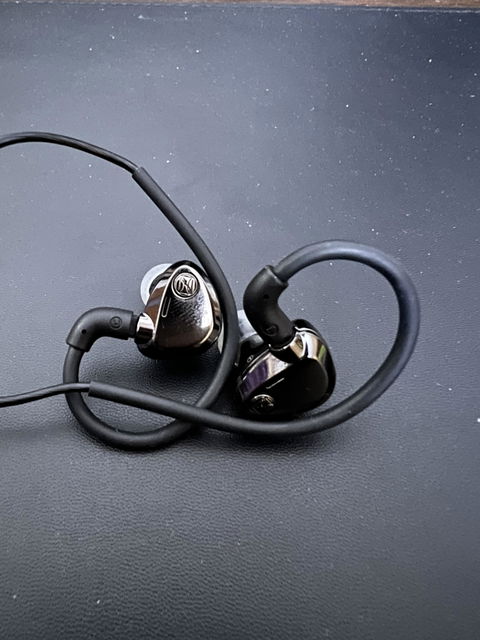
Best iem and looks stunning.
Service is also good and fast.
Enjoying my first iem very much.
Perfectly distribute base and treble and the vocal smoothly spread to your ear . One of the best low budget deck for Music lovers.
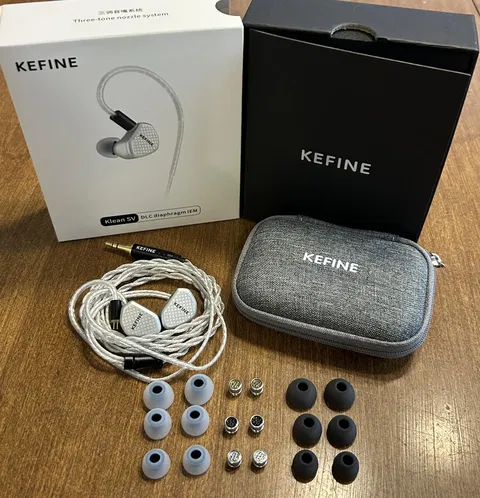
Kefine klen sv is clean and awesome
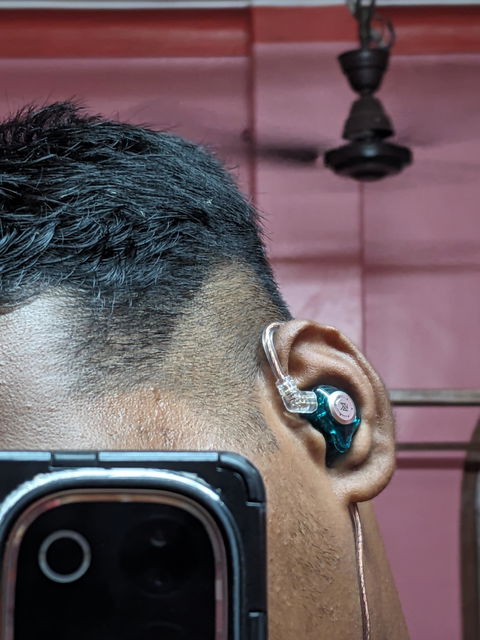
Honestly this is my 1st iem
And This sound blow my mind 💀🔥
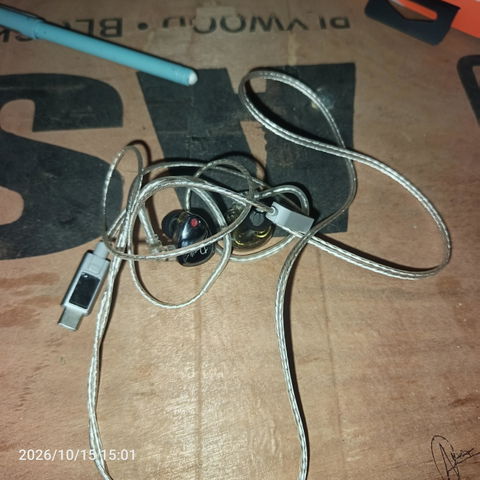
Kz duonic iem nice sound
This website geniune
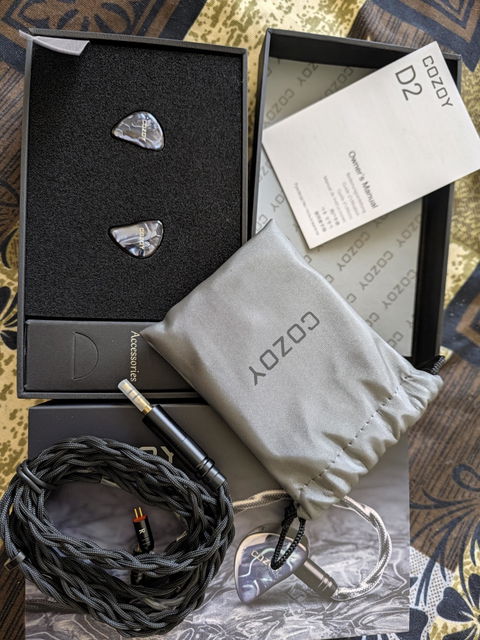
I just received my Cozoy D2 and wanted to drop some quick impressions on the unboxing experience and included accessories before I sit down for proper listening sessions.
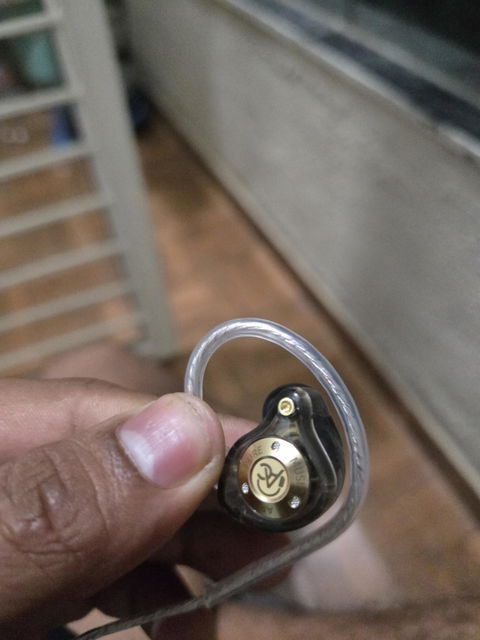
* Packaging: The IEMs arrive in a sleek, professional black presentation box with dense foam cutouts that keep the earpieces perfectly secure.
* Design & Build: The earpieces look stunning in person. The dark, marbled faceplates give them a premium, custom-like aesthetic with the Cozoy logo cleanly integrated into the design.
* Cable: It includes a high-quality, thickly braided black cable. It feels durable, features standard 2-pin connectors (clearly marked with 'L' and 'R'), and has a solid metal termination housing.
* Included Accessories: The package includes a neat grey Cozoy-branded carrying pouch for safe storage and an owner's manual. There is also a dedicated accessories box, which houses the eartips.
Overall, the unboxing experience feels very premium. The build quality of both the shells and the stock cable is top-notch right out of the box.
I'll be hooking these up to my CrinEar Protocol Micro DAC and testing them with offline FLACs on USB Audio Player PRO soon. I will upload a second review detailing the sound signature—specifically how their balanced tuning handles Indian classical, qawwali, and ghazals—once I've put them through their paces.


